
Languages: EN · IT · 日本語 · FR · 中文






pygemc is the Python API used by GEMC to define detector geometry, materials, optical properties, mirrors,
and lightweight output-analysis workflows. It lets users build GEMC databases with Python scripts, preview geometry
with PyVista, and inspect GEMC CSV or ROOT output without writing C++.
The package is installed with pip or as part of the GEMC source build. It also ships preinstalled in the GEMC
Docker images on Docker Hub (and ghcr.io/gemc/src).
- Python classes for GEMC geometry and material databases
GVolumehelpers for common Geant4 solids such as boxes, tubes, cones, and trapezoidsGVolume.g4placement_typeto select theG4Transform3Dactive or passive constructorGMaterialhelpers for chemical formulas, fractional-mass mixtures, and optical/scintillation propertiesGConfigurationrun, variation, factory, SQLite, ASCII, and PyVista configuration handlingautogeometry()convenience setup for detector scripts- SQLite and ASCII database output
- PyVista rendering, interactive Qt display, and VTK.js
.vtkszexport for geometry inspection and documentation gemc-system-templateCLI for generating ready-to-run detector systems- Python code snippets for supported Geant4 solid constructors
gemc-sqliteCLI for creating and inspecting GEMC SQLite database filesgemc-cure-meshCLI for simplifying and repairing CAD meshes (STL/PLY/OBJ) for Geant4 tessellated solidsgemc-analyzerCLI for summarizing and plotting GEMC CSV or ROOT output- Unit conversion helpers for length, angle, time, and energy strings
- Pytest suite that does not require a compiled
gemcbinary
pygemc installs in one of two modes; choose deliberately:
latest— the published release from PyPI. This is the default and what most users want.dev— an editable install of this source tree, for developing or testing pygemc itself.
Select the mode by choosing the pip command in your virtual environment:
python -m pip install pygemc        # latest: the stable release from PyPI
python -m pip install -e ".[dev]"   # dev: editable checkout, run from the repository root
The Stable PyPI Install and Tests sections detail each path.
Use Python 3.10-3.14 in a virtual environment for direct pip installs. The upper version limit is
upcoming in the next release; pymeshlab remains a required dependency.
On macOS with Homebrew, install and select Python 3.14 explicitly:
brew install python@3.14
/opt/homebrew/bin/python3.14 -m venv ~/venv/pygemc
source ~/venv/pygemc/bin/activate
python -m pip install --upgrade pip
Install pygemc from PyPI with:
python -m pip install pygemcOptional ROOT-file analysis dependencies:
python -m pip install "pygemc[root]"Upcoming in the next release: pygemc manages the Python environments for GEMC and CLAS12 systems.
Its Meson subproject selects Python 3.10-3.14, creates the build environment, and registers the
install hook that installs pygemc and its dependencies under <prefix>/python_env.
Both consumers use the exported build interpreter.
After adding <prefix>/bin and <prefix>/python_env/bin to PATH, GEMC and the Python tools are available:
gemc -v
gemc-system-template --help
gemc-sqlite --help
gemc-analyzer --helpCreate a detector template:
gemc-system-template -s counter
cd counter
./counter.py
The generated system contains:
| File | Purpose |
|---|---|
counter.py |
Main geometry-builder script |
geometry.py |
Example volumes, including a flux detector |
materials.py |
Example methane-gas material |
counter.yaml |
GEMC steering card |
README.md |
Placeholder notes for the generated detector |
Run with PyVista visualization:
./counter.py -pvExport a VTK.js scene:
./counter.py -pvvtk counter -pvz 0.25Use a light flat background for documentation exports:
./counter.py -pvvtk counter -pvbg "0.92 0.92 0.98" -pvbgt noneRun the generated simulation with GEMC when the compiled gemc executable is available:
gemc counter.yamlAnalyze output:
gemc-analyzer counter_t0_digitized.csv totEdep --bins 50The quantities available to plot are the numeric columns of the loaded file, so they are only known after the
data is read — they do not appear in --help. Run the analyzer with just a file name to print the summary,
including row and event counts where available, plus the plottable <stream>: ... list for each stream.
The explicit --list option prints the same summary:
gemc-analyzer counter_t0_digitized.csv
gemc-analyzer counter_t0_digitized.csv --list
Upcoming in the next release: true-information CSV files containing pid, opid, and the current and original
momentum components expose delta_p, delta_theta, and delta_phi. Only rows whose pid matches opid enter
these plots; delta_phi is wrapped to the interval [-pi, pi]. Select one particle species with --pid, for
example gemc-analyzer hits_true_info.csv delta_p --pid 11.
Typical geometry scripts create a configuration and publish volumes/materials to it:
from pygemc import GMaterial, GVolume, autogeometry

cfg = autogeometry("examples", "counter")

gas = GMaterial("methaneGas")
gas.description = "methane gas CH4 0.000667 g/cm3"
gas.density = 0.000667
gas.addNAtoms("C", 1)
gas.addNAtoms("H", 4)
gas.publish(cfg)

flux = GVolume("flux_box")
flux.description = "air flux box"
flux.make_box(40.0, 40.0, 2.0)
flux.set_position(0, 0, 100)
flux.material = "G4_AIR"
flux.color = "3399FF"
flux.style = 1
flux.digitization = "flux"
flux.set_identifier("box", 2)
flux.publish(cfg)GVolume.g4placement_type selects which Geant4 placement convention GEMC should use for a volume:
| Value | Meaning |
|---|---|
active |
Default; uses G4Transform3D(rotation, translation) |
passive |
Uses G4PVPlacement(rotation, translation, ...), matching GEMC2/clas12Tags conventions |
Most new GEMC3 geometry can use the default active convention. Detector systems ported from GEMC2 that rely on
frame rotations should set:
gvolume.g4placement_type = "passive"This field is written to SQLite geometry databases. Existing SQLite databases are upgraded with the missing column when a geometry script publishes new rows.
Common command-line options accepted by geometry scripts:
| Option | Purpose |
|---|---|
-f, --factory |
Select sqlite or ascii output |
-v, --variation |
Select the geometry variation |
-r, --run |
Select the run number |
-sql, --dbhost |
Select the SQLite file path |
-pv |
Show a PyVista window |
-pvb |
Show a PyVistaQt background plotter |
-pvvtk |
Export a VTK.js .vtksz scene |
-pvz |
Set the VTK.js export zoom |
--pyvista-variation NAME |
Render only one variation in PyVista; defaults to the first rendered variation |
--pyvista-fast |
Batch PyVista volumes into fewer actors for faster large-geometry rendering |
--no-pyvista-fast |
Disable automatic PyVista batching |
--pyvista-fast-threshold N |
Auto-enable PyVista batching above N rendered volumes |
-pvbg |
Set the PyVista background color as a name, hex string, or r g b triple |
-pvbgt |
Set the optional PyVista top gradient color; use none for a flat background |
--read-yaml |
Read g4camera direction and g4view.background settings from a GEMC YAML |
PyVista support is central to pygemc: geometry scripts can display the detector as they build it,
open an interactive Qt viewer, or export a .vtksz scene that can be published in documentation.
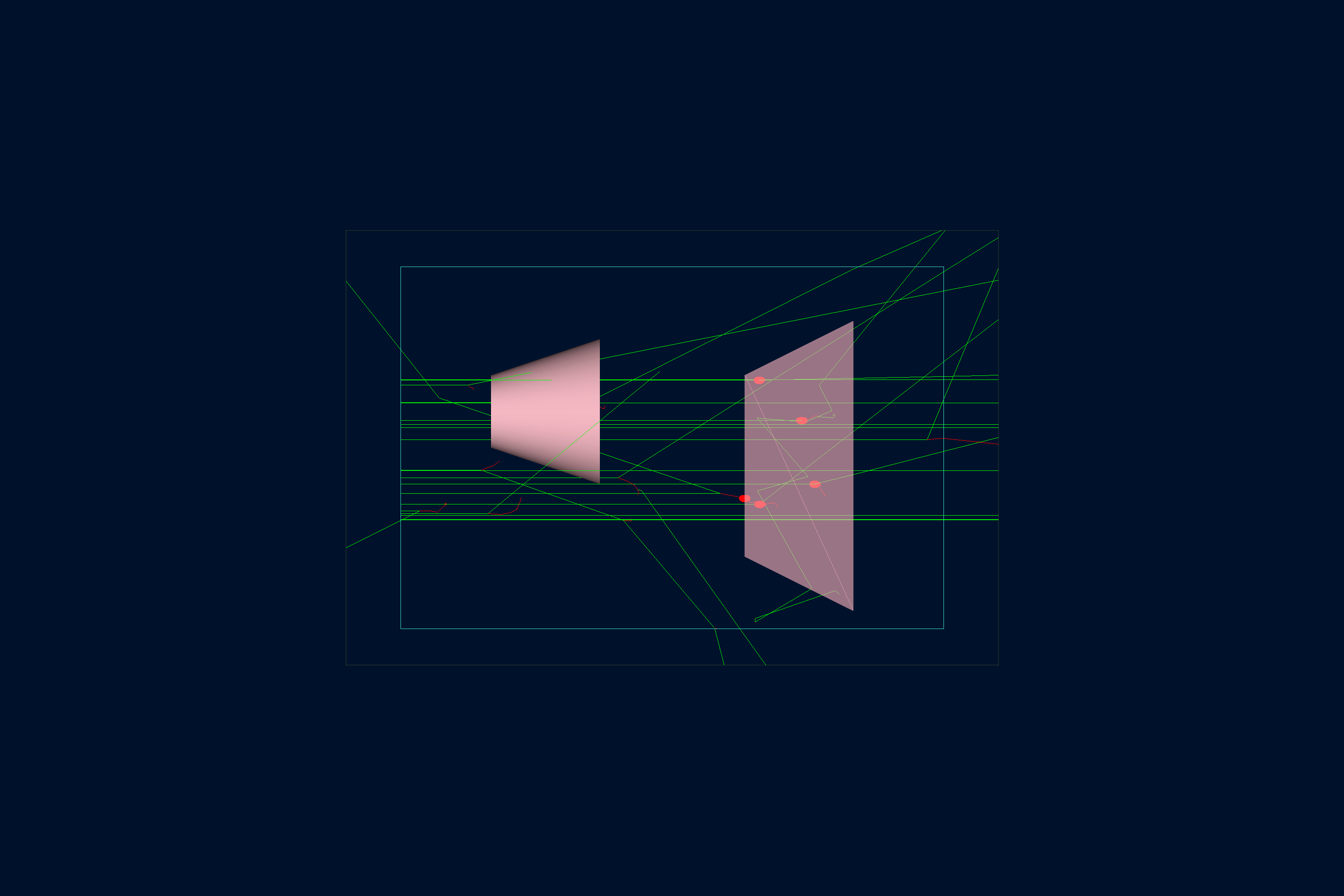 B1 |
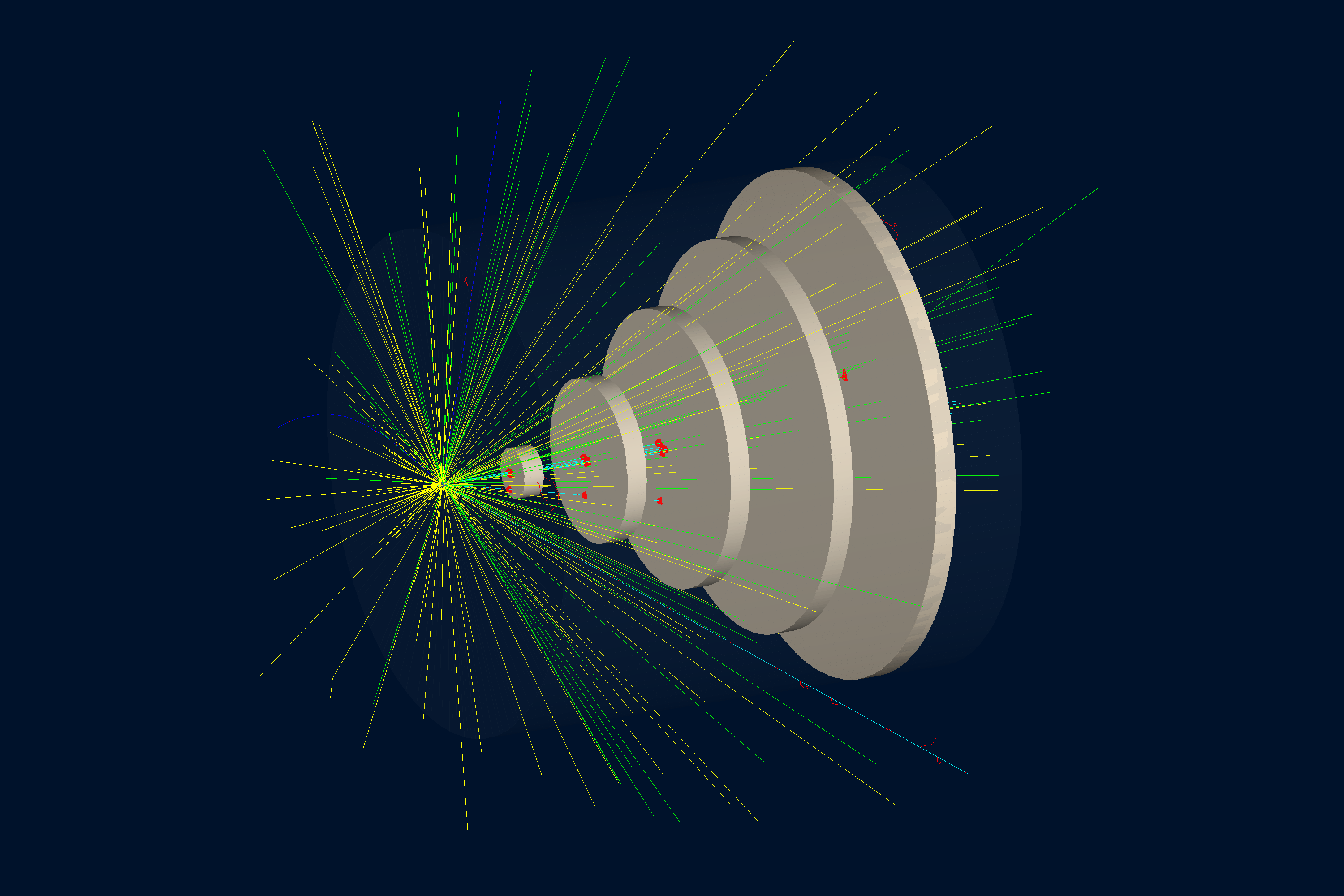 B2 |
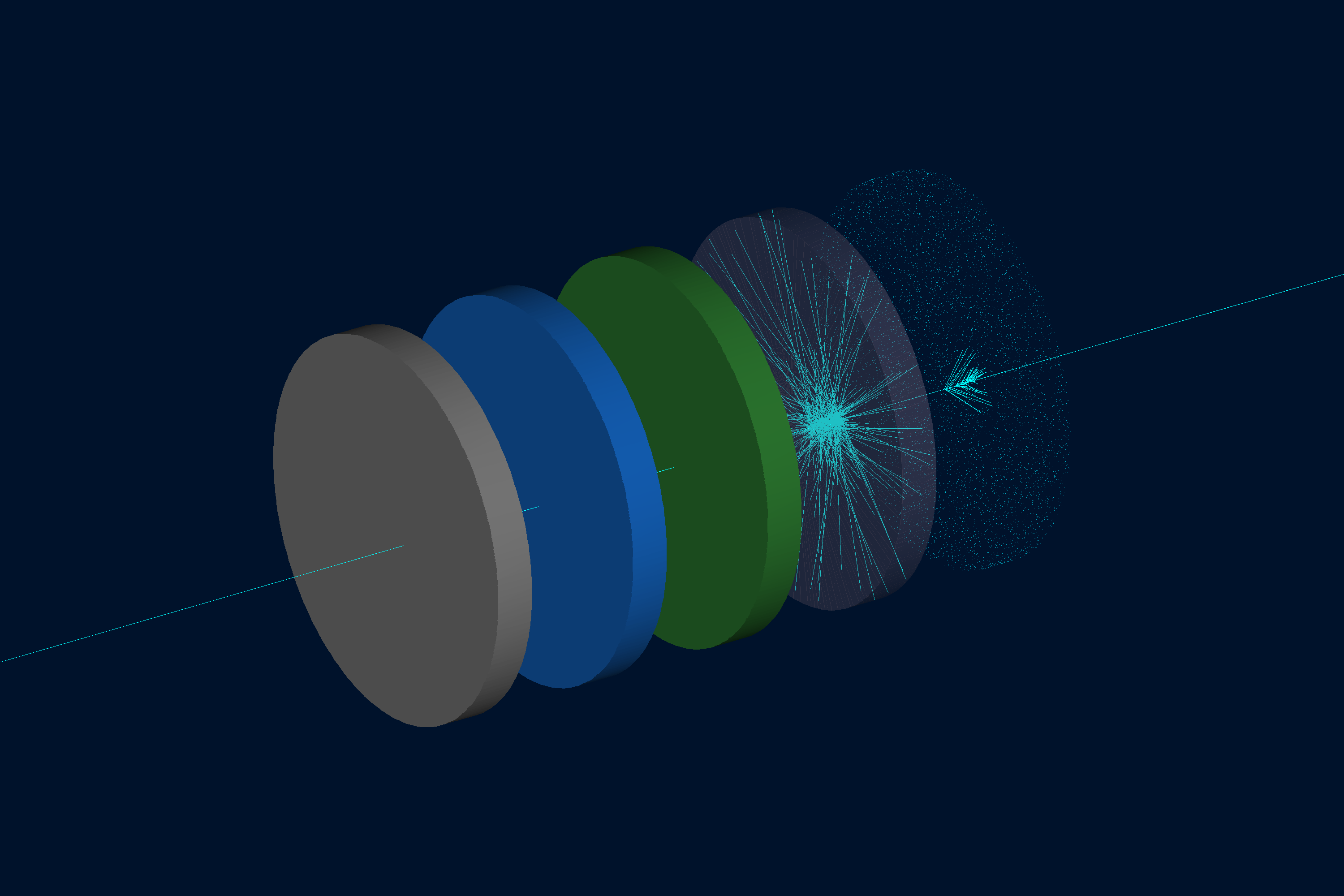 Materials |
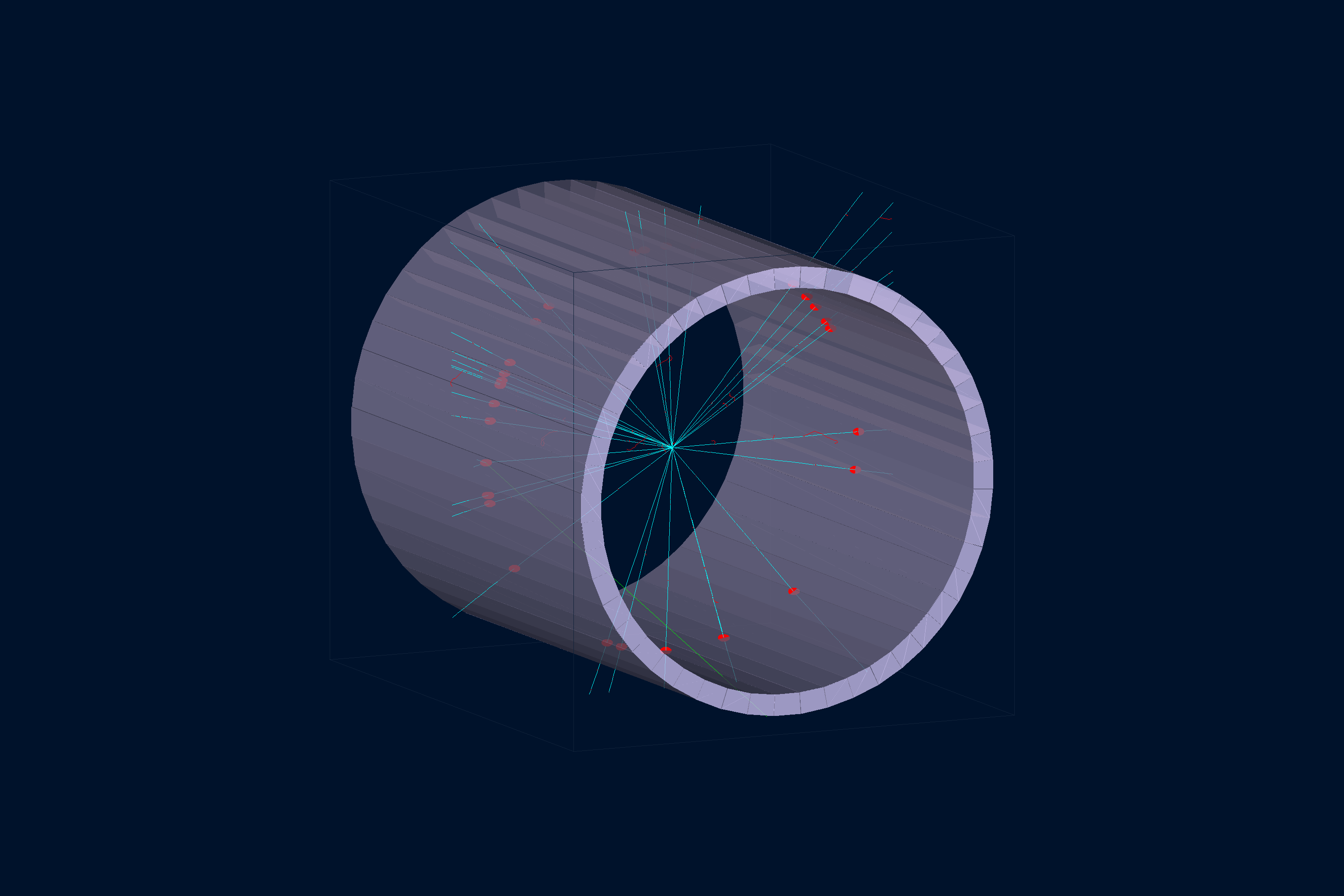 Scintillator Barrel |
Open the linked interactive PyVista scenes generated from the GEMC examples.
GitHub README pages cannot embed .vtksz files directly, so the preview image links to the hosted VTK.js viewer.
| Command | What it does |
|---|---|
gemc-system-template -s counter |
Generate a detector skeleton named counter. |
gemc-system-template -sl |
List supported Geant4 solid snippets. |
gemc-system-template -gv G4Box |
Print a volume-construction snippet for a G4Box. |
gemc-system-template -gv G4Tubs -write_to geometry.py -geo_sub build_tube |
Write a G4Tubs snippet to geometry.py. |
gemc-sqlite -n mydetector.sqlite |
Create a new SQLite database with the GEMC geometry and materials schema. |
gemc-sqlite -sql mydetector.sqlite -sv |
Open an existing database and list its volumes. |
gemc-sqlite -sql mydetector.sqlite -sm |
Open an existing database and list its materials. |
gemc-sqlite -sql mydetector.sqlite -sv -ef examples -vf default -sf counter -rf 1
|
Filter listed volumes by experiment, variation, system, and run number. |
gemc-cure-mesh organ.stl -o organ.stl -f 15000 |
Simplify and repair a CAD mesh (decimate to ~15k facets, weld, close holes, reorient) for Geant4. |
gemc-analyzer counter_t0_digitized.csv |
Summarize a GEMC CSV output file and list the plottable quantities per stream. |
gemc-analyzer counter_t0_digitized.csv totEdep --bins 50 |
Plot a digitized variable with 50 bins. |
gemc-analyzer counter_t0_true_info.csv --plot yvsx --xlim -20 20 --ylim -20 20
|
Plot true hit positions in the y-vs-x plane. |
gemc-analyzer out.root E --detector flux --save energy.png |
Save a ROOT-based analyzer figure without opening a GUI. |
Install the package in editable mode (the dev install mode) with its development dependencies (pytest,
pytest-cov, ruff). The editable install also makes pytest import the in-tree src/pygemc sources instead
of a previously installed PyPI wheel, which would otherwise shadow them and break test collection:
python -m pip install -e ".[dev]"Then run the standalone Python tests:
pytest
pytest tests/test_analyzer.py
pytest tests/test_cli.py
pytest tests/test_gconfiguration_yaml.py
pytest tests/test_geometry.py
pytest -v
pytest -k "sqlite"
The tests cover analyzer plotting, CLI behavior, YAML-driven PyVista configuration, and geometry database
generation. They intentionally do not require Geant4 or a compiled gemc executable; full simulation tests live
in the parent GEMC Meson build.
| Path | Purpose |
|---|---|
src/pygemc/api/ |
Geometry, materials, units, SQLite output, PyVista support, and templates |
src/pygemc/analyzer/ |
CSV/ROOT readers, plotting, and analyzer CLI |
tests/ |
Standalone pytest suite |
.github/workflows/ |
CI, release, PyPI publication, and GEMC integration workflows |
releases/ |
Release notes |
pyproject.toml |
Python packaging metadata and console scripts |
meson.build |
Meson subproject integration used by GEMC |
- CI workflow guide
- GEMC homepage
- Python API overview
- Quickstart
- Examples
- GEMC source repository
- CLAS12 GEMC systems repository
- Documentation website repository
- GEMC2 / CLAS12 repository
Keep patches focused and run the relevant pytest targets before opening a pull request. If a change affects the integrated GEMC build, also run the parent repository Meson tests for the affected examples or modules.
pygemc is licensed under the Apache License, Version 2.0 — the same license used by the main GEMC
source repository. See NOTICE for attribution.