
本仓库以官方 makeplane/plane 的 v1.4.2(5f7d927)为底座,移植
jiyang1018/plane-oidc 的 preview-v2(d5694d7)全部定制功能:
- Keycloak 等 OIDC 提供方登录,God Mode 配置、显示名称和图标。
- God Mode 用户列表、搜索、创建、启用、停用和删除。
- 新 OIDC 用户自动加入指定工作空间,并配置默认角色。
/m/auth移动入口跳转。
移植保留 v1.4.2 的机器人账号登录限制和未验证邮箱保护,增加 PKCE、ID Token 签名/issuer/audience/nonce 校验、一次性 state 和请求超时;回调使用实例配置地址。 OIDC 账号按 issuer 与 subject 绑定;未验证邮箱可以首次注册,但不能关联已有账号。 管理员账号不能在成员管理页被停用或删除,用户删除遵守数据库约束。
GitHub Actions 的 Build OIDC v1.4.2 工作流构建 linux/amd64 镜像,后端镜像先运行 OIDC 和成员管理定向测试。每个镜像归档及 SHA-256 校验值作为 Actions artifact 发布。 镜像按源码提交 SHA 标记,避免浮动标签。
本分支不包含 vilbert 的 MCP OAuth 服务端扩展。MCP 使用独立的官方
makeplane/plane-mcp-server 服务,以个人 PAT 和 X-Workspace-slug 鉴权。
正式启用前须验证所需工具与社区版 API 的兼容性。
私有部署配置、凭据和验证记录放在 deploy/.local/,由 Git 忽略。
保留上游及 jiyang1018 的 AGPL-3.0 版权与授权;下方为上游文档入口。

Modern project management for all teams
Website • Forum • X • Documentation
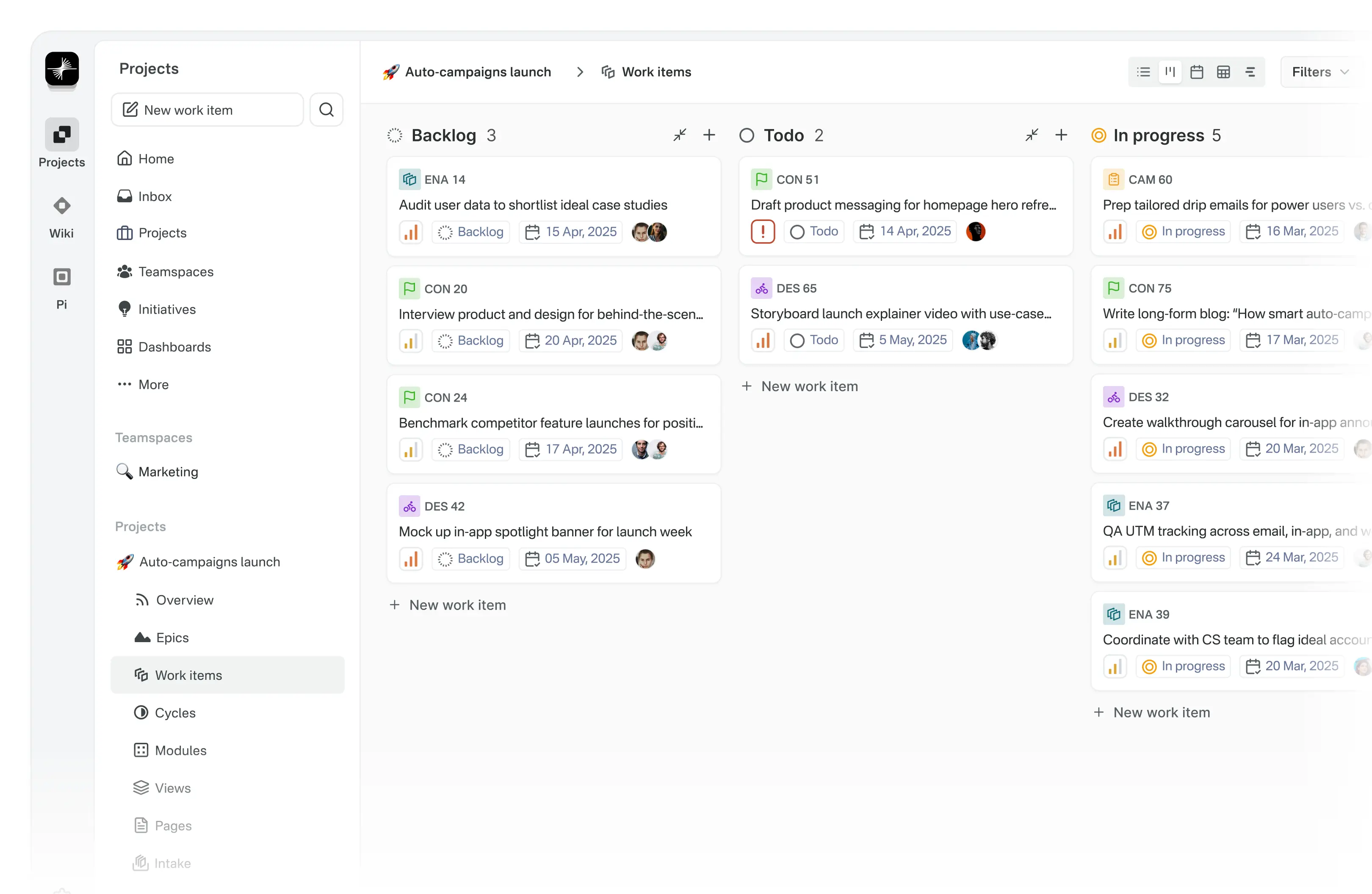
Meet Plane, an open-source project management tool to track issues, run sprints cycles, and manage product roadmaps without the chaos of managing the tool itself. 🧘♀️
Plane is evolving every day. Your suggestions, ideas, and reported bugs help us immensely. Do not hesitate to join in the conversation on Forum or raise a GitHub issue. We read everything and respond to most.
Getting started with Plane is simple. Choose the setup that works best for you:
-
Plane Cloud Sign up for a free account on Plane Cloud—it's the fastest way to get up and running without worrying about infrastructure.
-
Self-host Plane Prefer full control over your data and infrastructure? Install and run Plane on your own servers. Follow our detailed deployment guides to get started.
| Installation methods | Docs link |
|---|---|
| Docker |  |
| Kubernetes |  |
| Managed hosting |  |
Instance admins can configure instance settings with God mode.
-
Work Items Efficiently create and manage tasks with a robust rich text editor that supports file uploads. Enhance organization and tracking by adding sub-properties and referencing related issues.
-
Cycles Maintain your team’s momentum with Cycles. Track progress effortlessly using burn-down charts and other insightful tools.
-
Modules Simplify complex projects by dividing them into smaller, manageable modules.
-
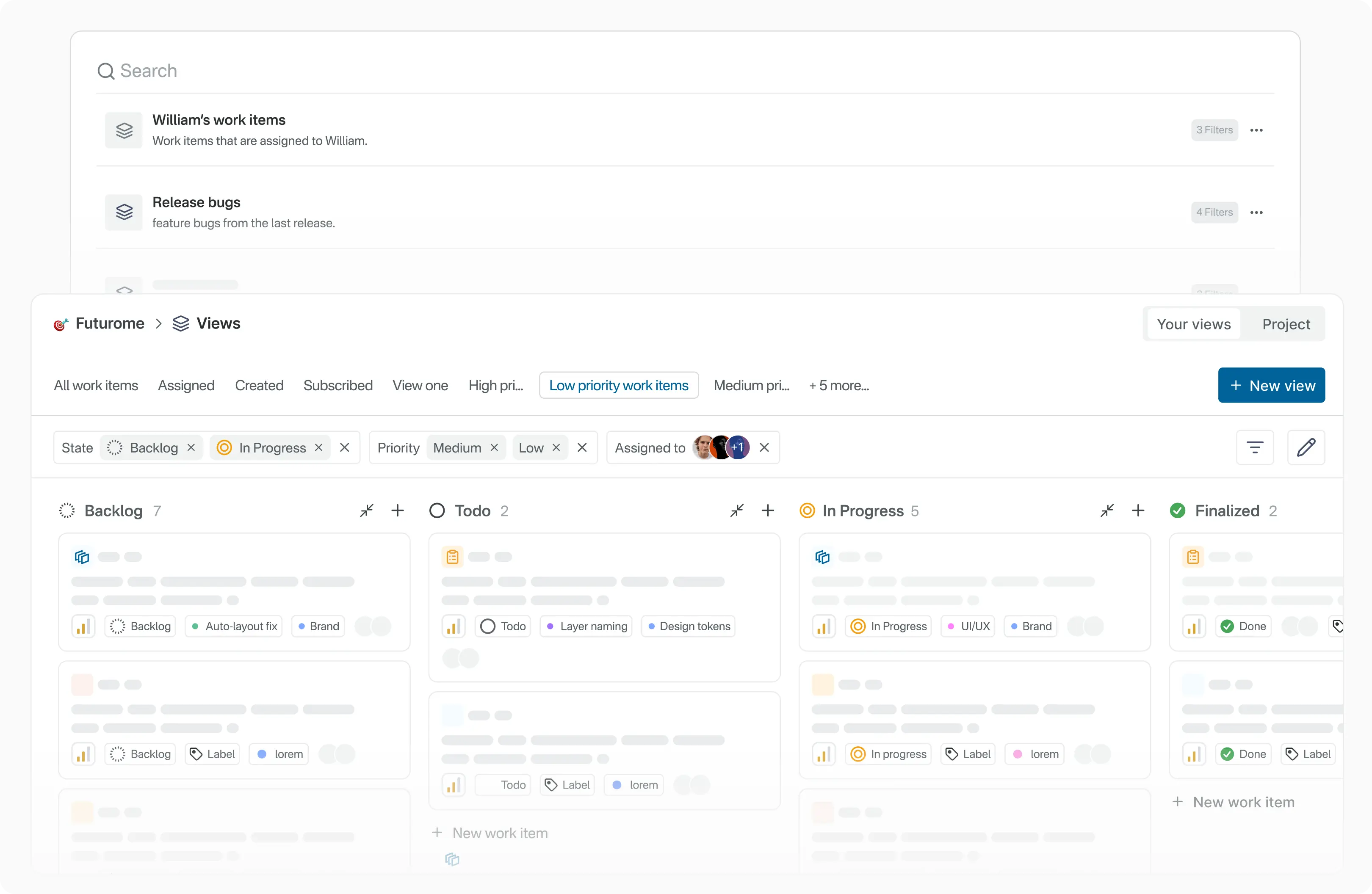
Views Customize your workflow by creating filters to display only the most relevant issues. Save and share these views with ease.
-
Pages Capture and organize ideas using Plane Pages, complete with AI capabilities and a rich text editor. Format text, insert images, add hyperlinks, or convert your notes into actionable items.
-
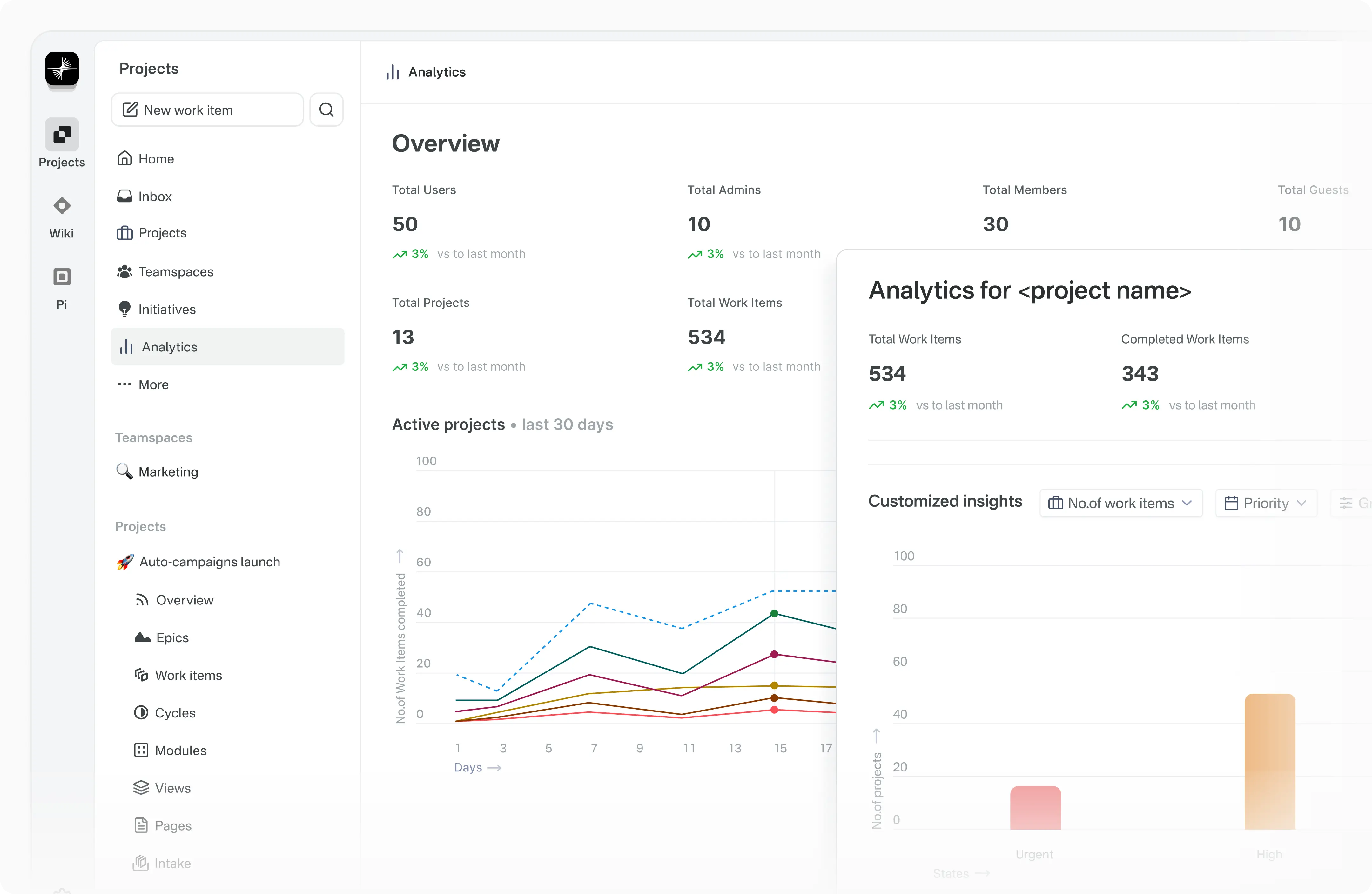
Analytics Access real-time insights across all your Plane data. Visualize trends, remove blockers, and keep your projects moving forward.
See CONTRIBUTING



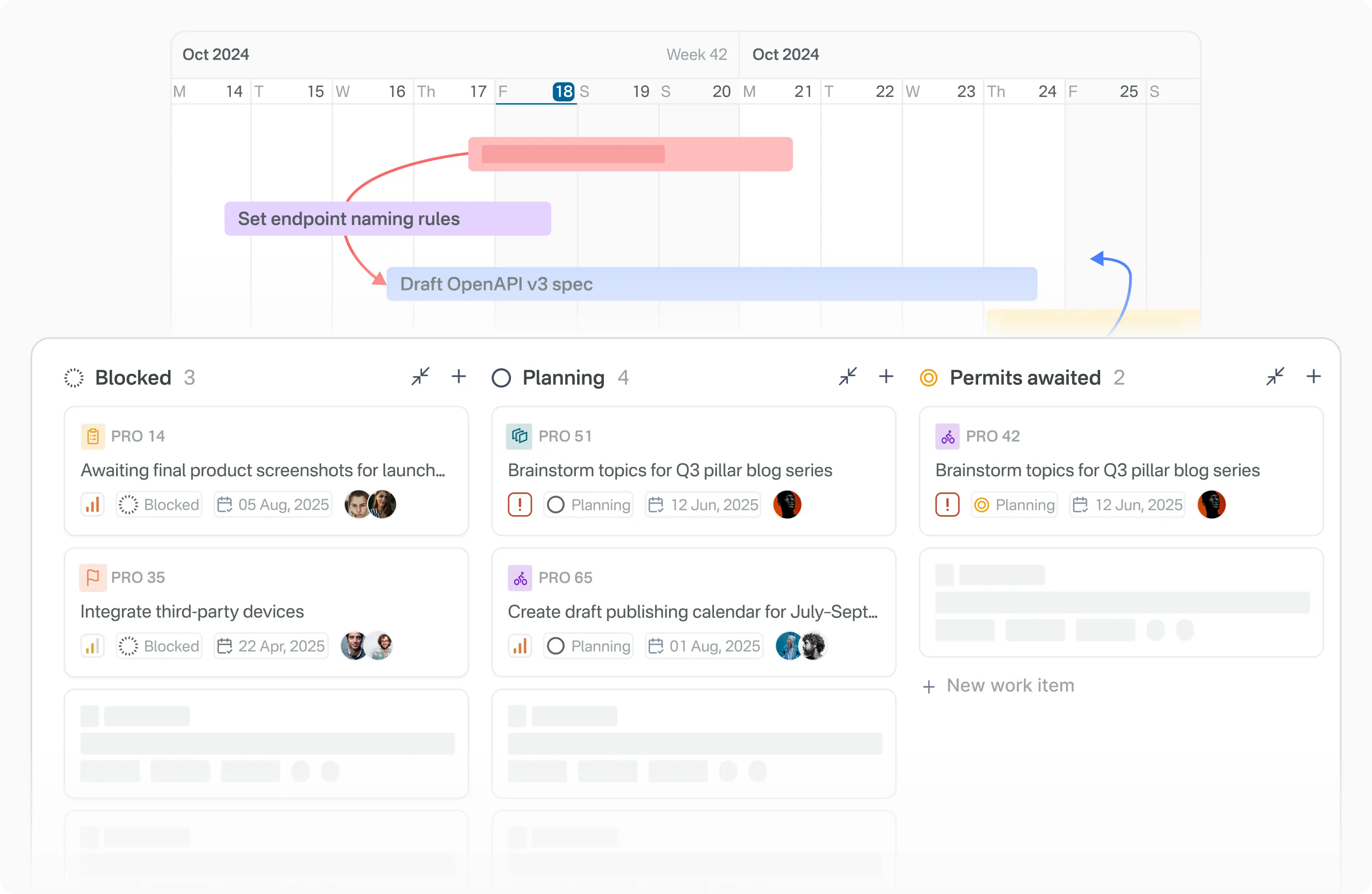
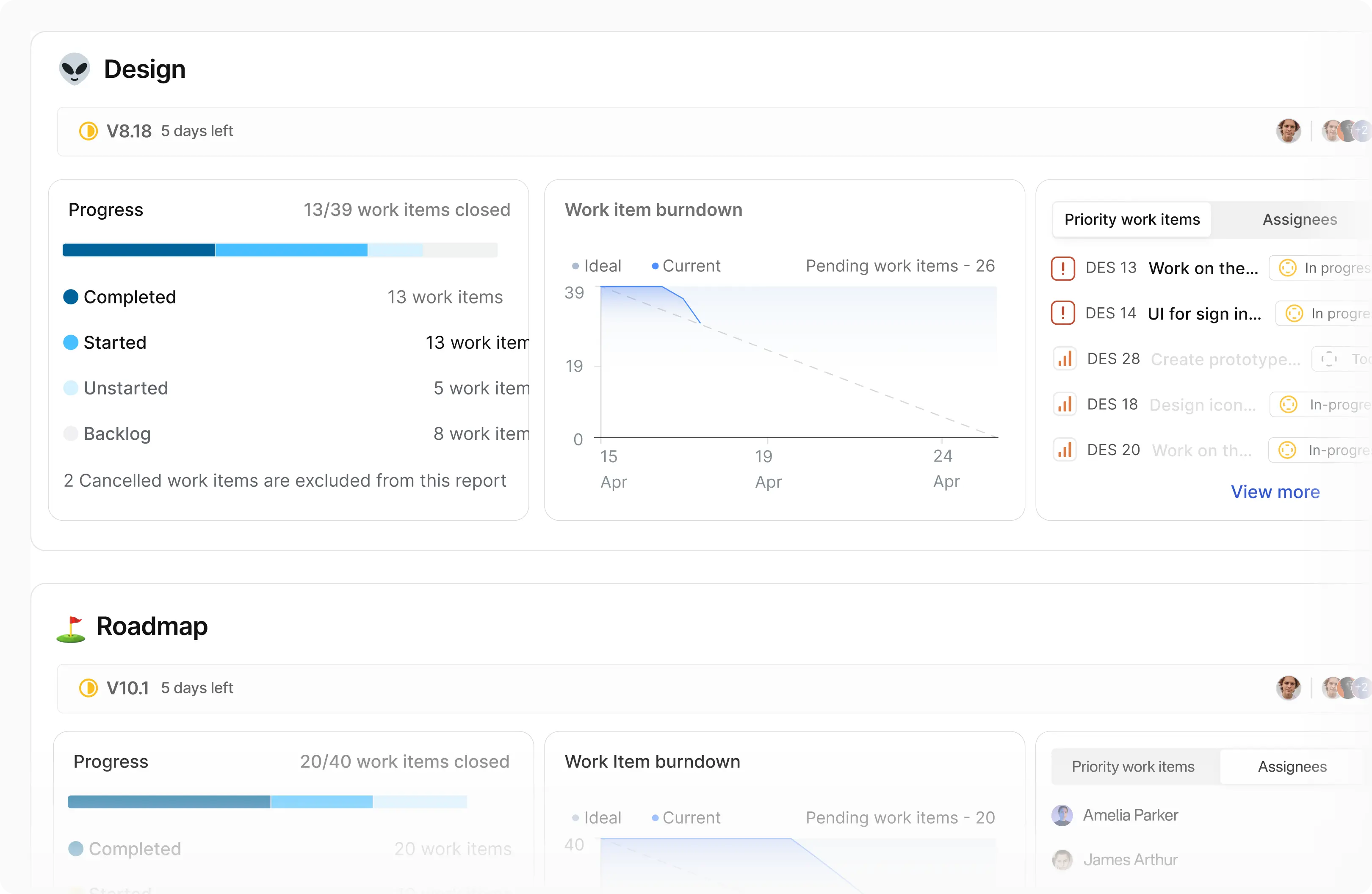
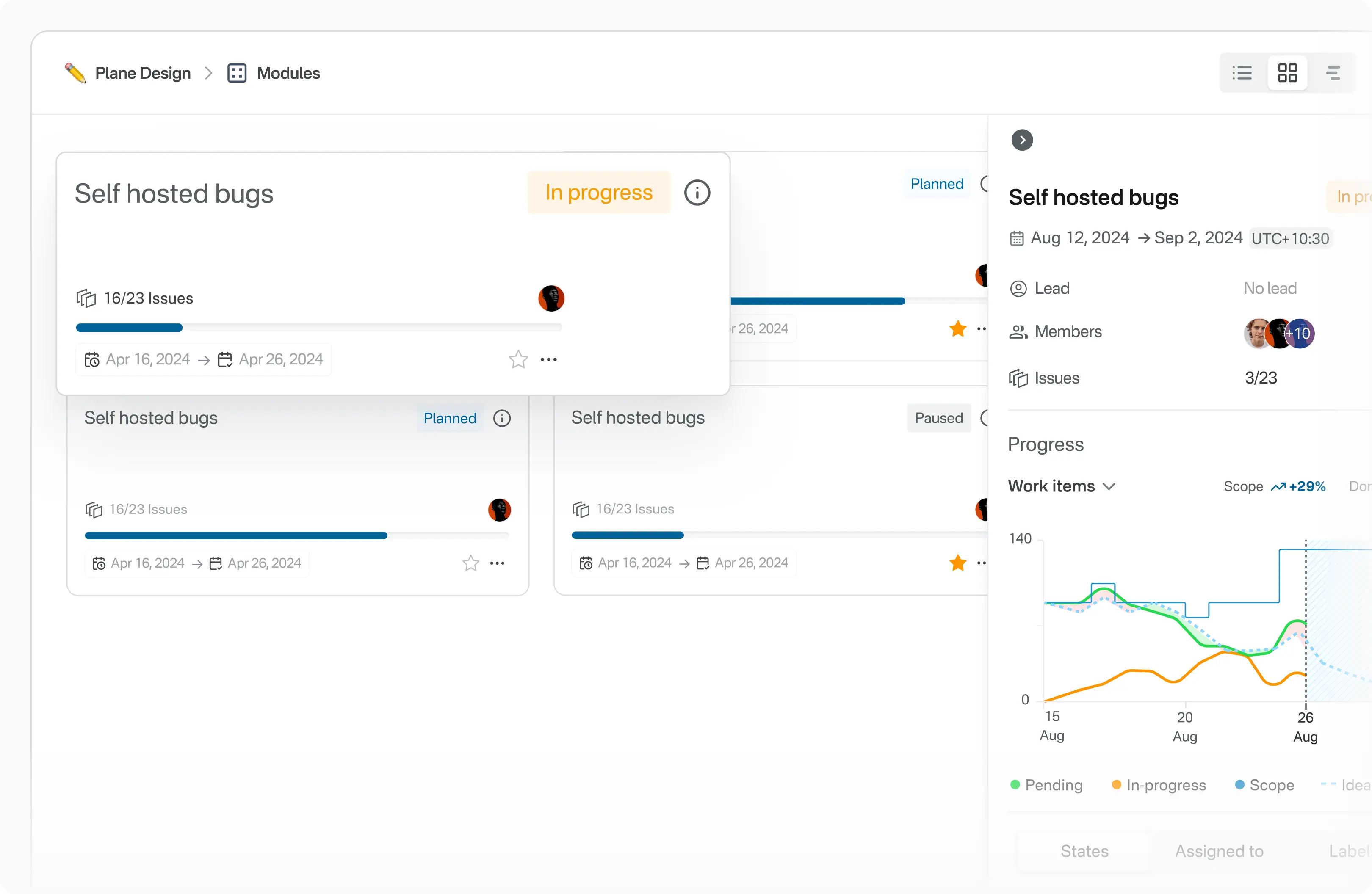
Explore Plane's product documentation and developer documentation to learn about features, setup, and usage.
Join the Plane community on GitHub Discussions and our Forum. We follow a Code of conduct in all our community channels.
Feel free to ask questions, report bugs, participate in discussions, share ideas, request features, or showcase your projects. We’d love to hear from you!
If you discover a security vulnerability in Plane, please report it responsibly instead of opening a public issue. We take all legitimate reports seriously and will investigate them promptly. See Security policy for more info.
To disclose any security issues, please email us at security@plane.so.
There are many ways you can contribute to Plane:
- Report bugs or submit feature requests.
- Review the documentation and submit pull requests to improve it—whether it's fixing typos or adding new content.
- Talk or write about Plane or any other ecosystem integration and let us know!
- Show your support by upvoting popular feature requests.
Please read CONTRIBUTING.md for details on the process for submitting pull requests to us.

This project is licensed under the GNU Affero General Public License v3.0.