
Arch-based, snapshot-first Linux with a script-driven installer and its own package tooling.





Why X • Install • Screenshots • Build the ISO • Project Status • Repositories • Documentation
- Bootable generations — every package transaction is captured as a btrfs snapshot with its own boot entry. Roll back, diff, verify, pin, or export signed and encrypted bundles (
x gen). - Multi-kernel — pick
linux,linux-ltsorlinux-zenat install time or later withx kernel install|remove, protected by guard rails for the running and last kernel. - Script-driven installer — BIOS/UEFI, GRUB/systemd-boot, LUKS, dualboot, core or full (Hyprland) profiles, all in the terminal.
- Signed repository and native tooling — the
[x]pacman repository is signed (SigLevel = Required); xpm (package manager) and xpkg (builder) drive a native.xpendpoint end-to-end. - WSL — an importable rootfs plus a friendly first-run setup: equislinux/wsl and wsl-scripts.
- Download the latest signed ISO from the stable link: equislinux.github.io/web/download/latest
- Flash it to a USB drive:
sudo dd if=x-<version>-x86_64.iso of=/dev/sdX bs=8M conv=fsync status=progress - Boot it and follow the text installer — disk layout, kernel and profile. Full guide: docs/installation.md.
 |
 |
 |
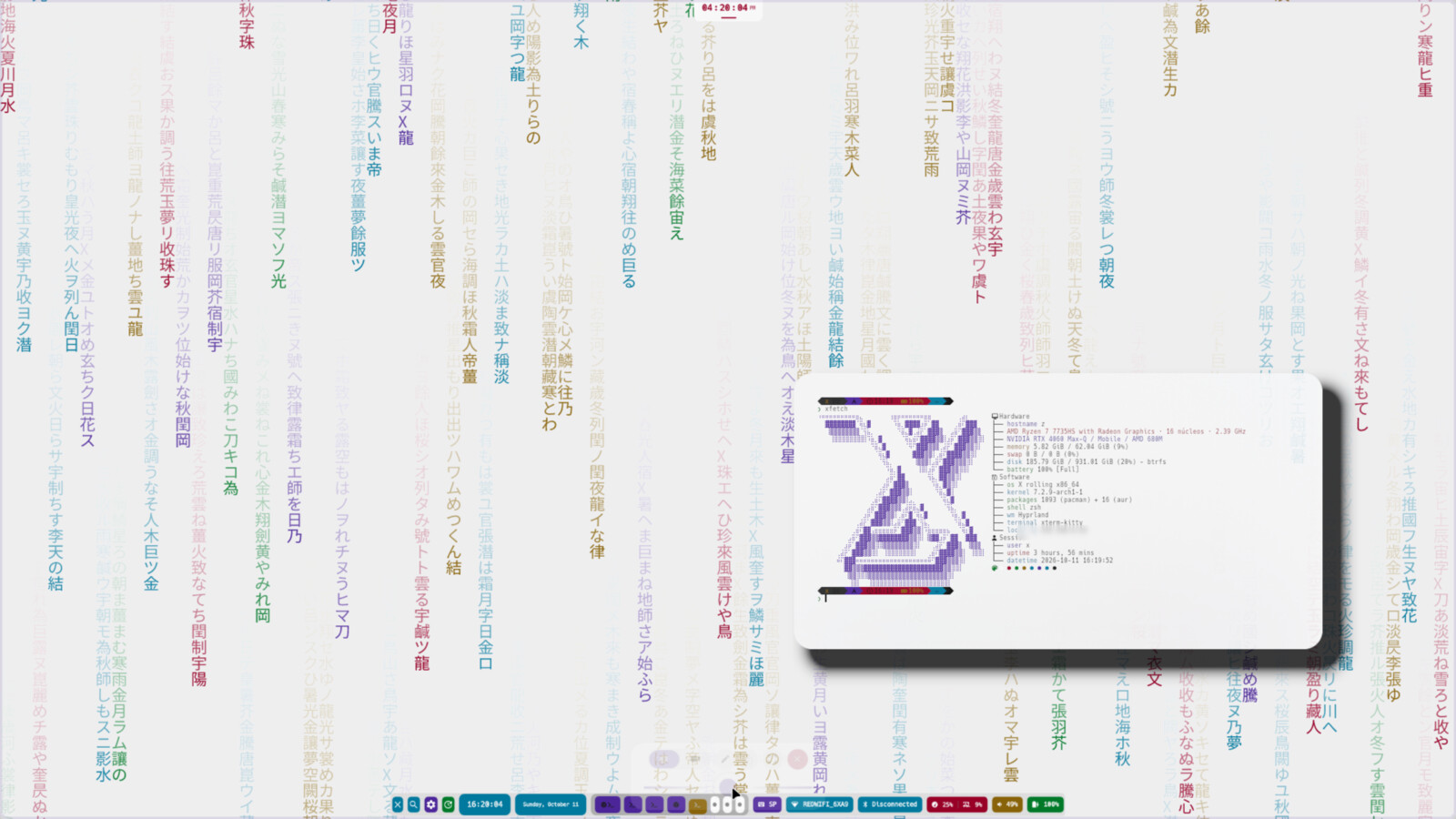 |
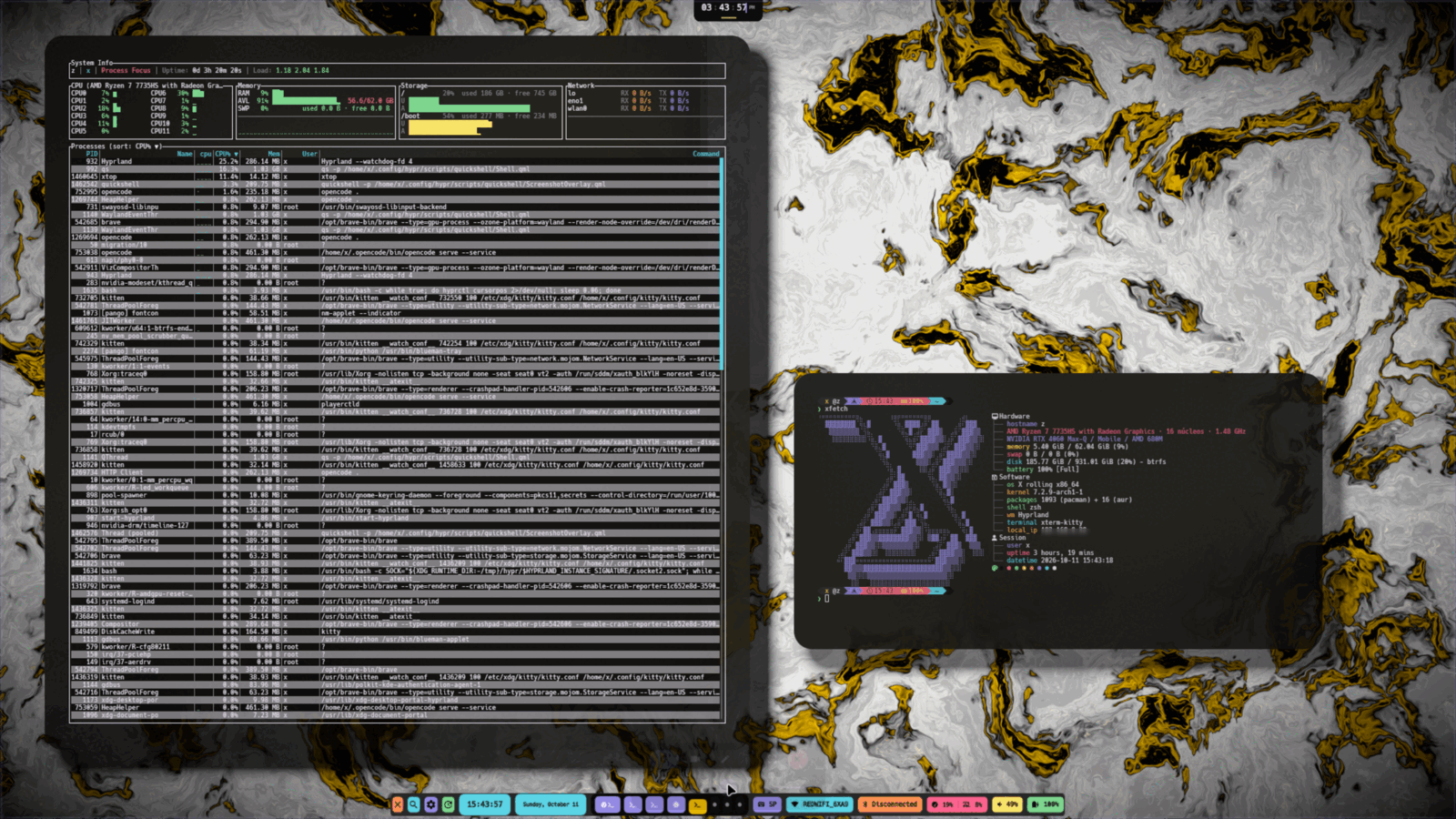
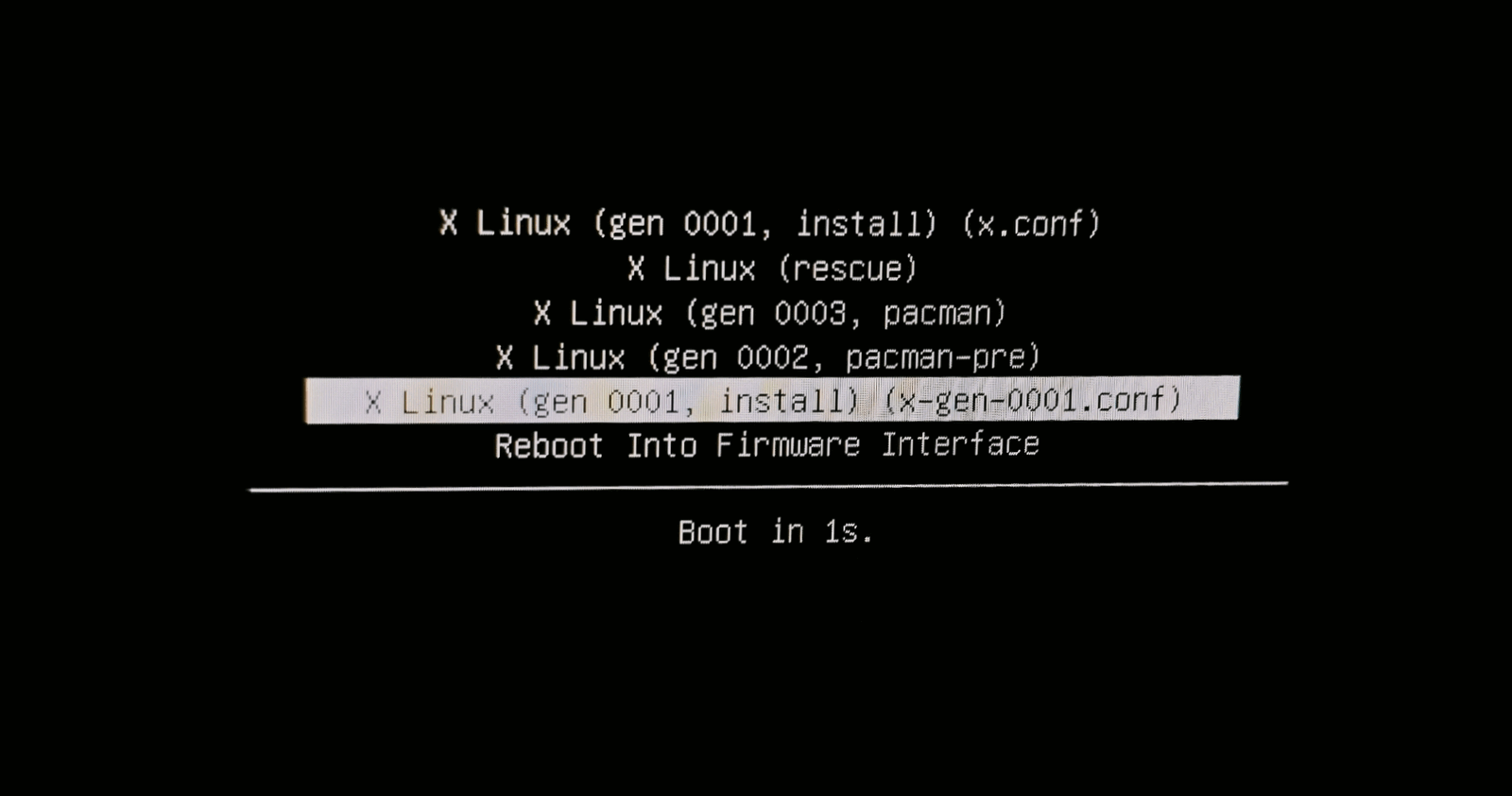
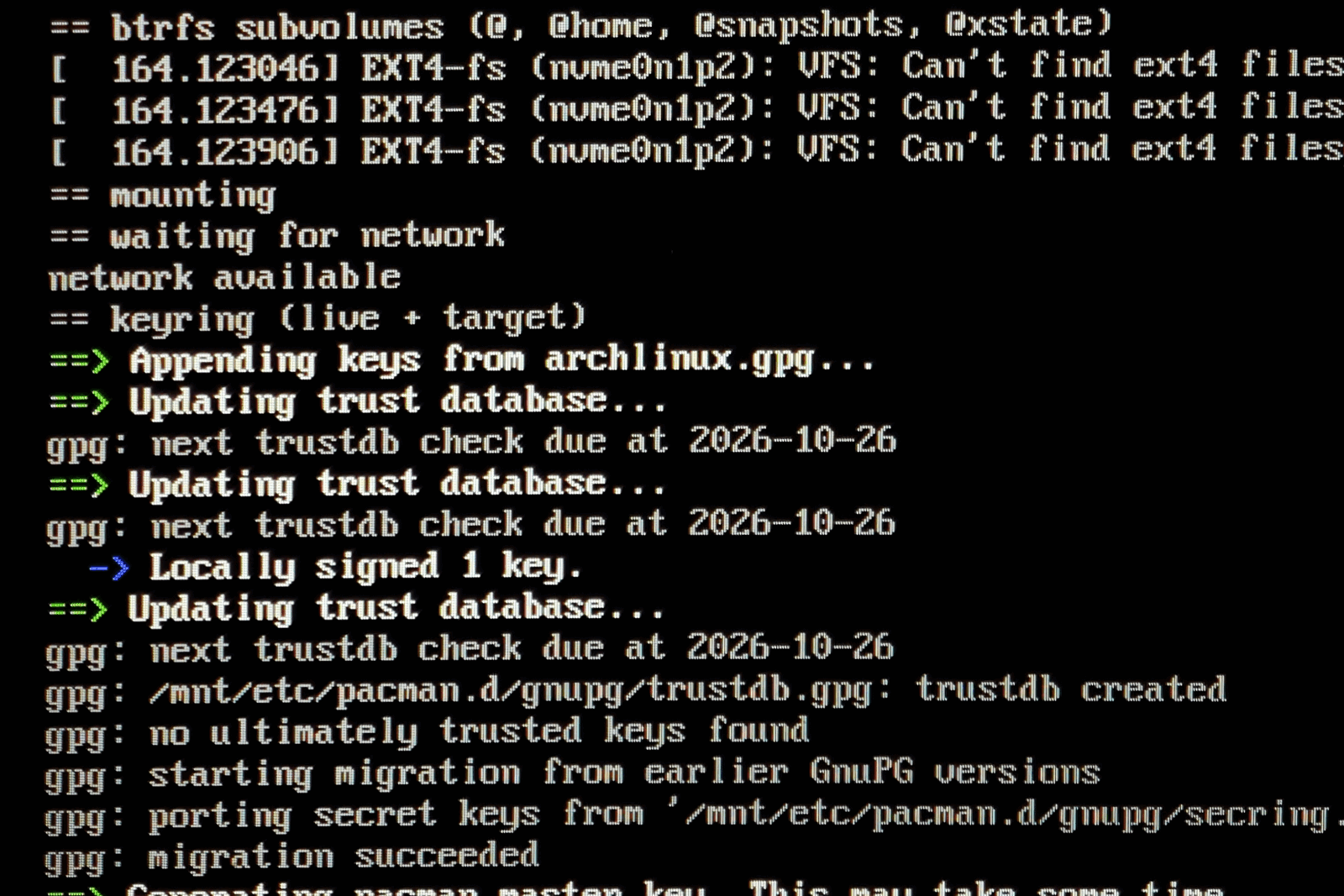
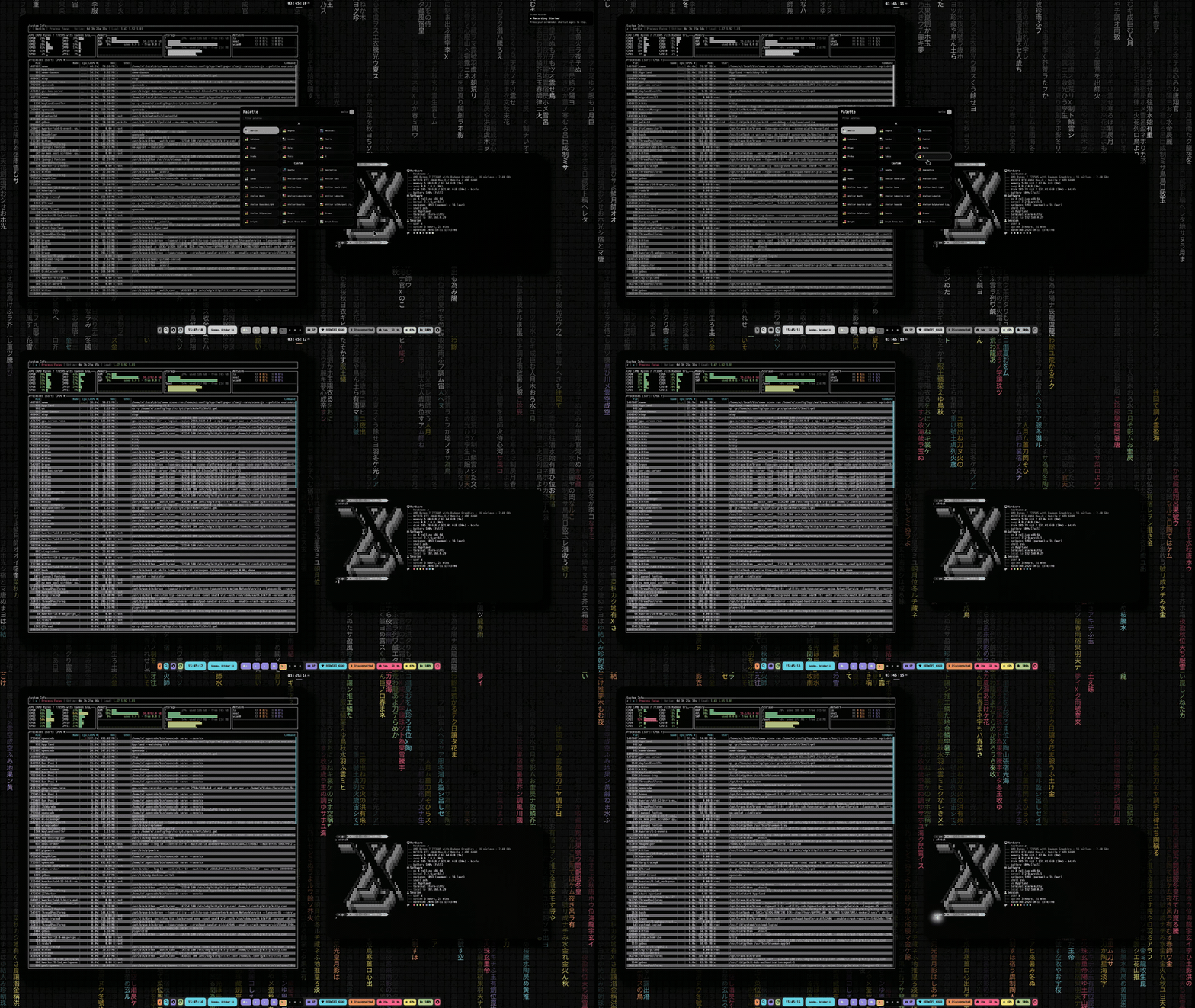
xtop and xfetch on the Hyprland desktop · the boot menu where every transaction is a generation · the text installer · the light theme
sudo pacman -S archiso
sudo ./xbuild.sh
Output: ./out/*.iso · Guide: docs/build-iso.md · VM testing: docs/vm-testing.md
- Active development. Validated locally: full test suite, a real-btrfs suite and QEMU end-to-end runs (install → boot → generations → rollback).
- Releases: signed ISOs published on SourceForge; the stable link above always points to the current release.
- Detailed state: docs/project-state.md · docs/generations.md
- x — this repo: archiso profile, text installer and ISO build.
- scripts — provisioning payload and the
xCLI (generations, setup, themes, kernels). - x-repo — signed
[x]package repository and portals. - xpm — package manager (Rust, ALPM format, native
.xp). - xpkg — package builder (XBUILD/PKGBUILD to
.xp). - wsl — importable WSL rootfs and Windows importer.
- wsl-scripts — WSL first-run setup.
- web — documentation portal (this site).
- wiki — documentation sources (English/Spanish).
- Project State
- Project Structure
- Build ISO Guide
- Build WSL Guide
- Installation Guide
- Generations
- X Repository Guide
- VM Testing
- Roadmap
- Contributing · Code of Conduct · Security · Support
- License: GPL-3.0 · Documentation: https://github.com/equislinux/wiki